
Support for Apple Car Keys may now be more likely to come to Tesla vehicles, amid new evidence that the automaker is embracing native, system-level digital car keys.
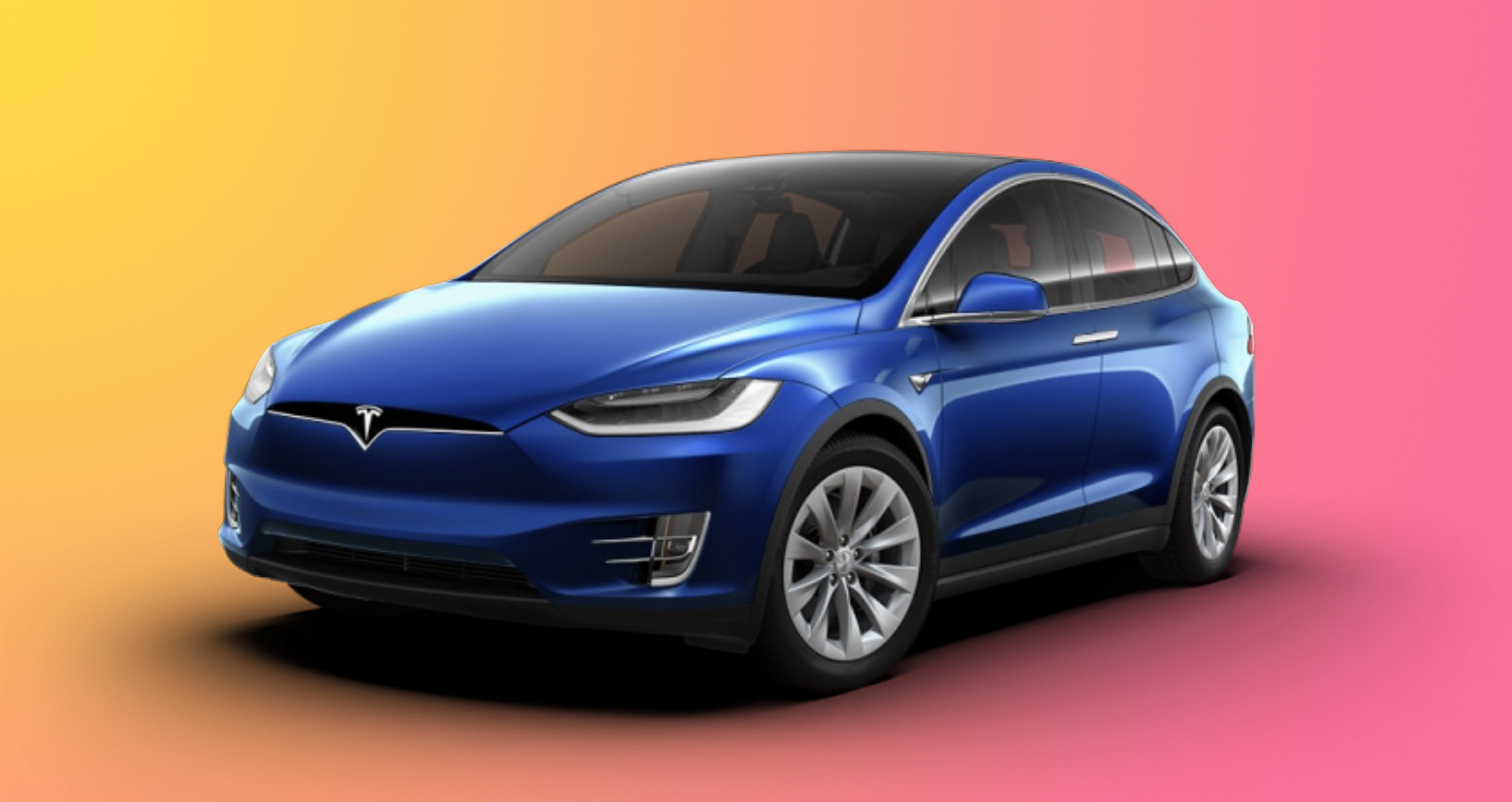
According to Not a Tesla App, 4.52.0 of Tesla’s mobile app contains multiple code references to Harmony Wallet Key Cards. The discovery is notable because it represents a shift in how Tesla appears to be approaching mobile device integration.
Tesla’s current Phone Key relies on Bluetooth communication between the vehicle and the Tesla app running in the background on a smartphone. By contrast, a native wallet key is stored at the operating system level and uses secure hardware elements, often making it more reliable and accessible.
The code strings identified in Tesla app version 4.52.0 specifically reference integration with Huawei’s HarmonyOS, suggesting that the initial implementation is designed for Huawei Wallet on HarmonyOS devices. HarmonyOS is widely used in China, where Huawei is a dominant presence in the smartphone market. Tesla has historically used the Chinese market as a testing ground for new software capabilities before expanding them globally.
Although the references do not mention Apple Wallet or Google Wallet, the underlying functionality closely mirrors how Apple implements native digital car keys on the iPhone. Apple introduced Car Key support in Apple Wallet in 2020, allowing compatible vehicles to be unlocked, locked, and started using NFC, Bluetooth, or ultra wideband. Car Keys are stored in the Secure Enclave on the iPhone and Apple Watch, enabling features such as Express Mode, which allows a vehicle to be unlocked without Face ID, Touch ID, or a passcode, and even functionality even when the device battery is almost totally depleted.
Earlier this month, Rivian announced native support for Apple Wallet and Google Wallet digital car keys as part of its 2025.46 software update. In recent weeks, Porsche, Toyota, and General Motors all appear to be following suit.
This article, “Tesla Could Be Planning to Support Apple Car Keys” first appeared on MacRumors.com
Discuss this article in our forums
